
12%
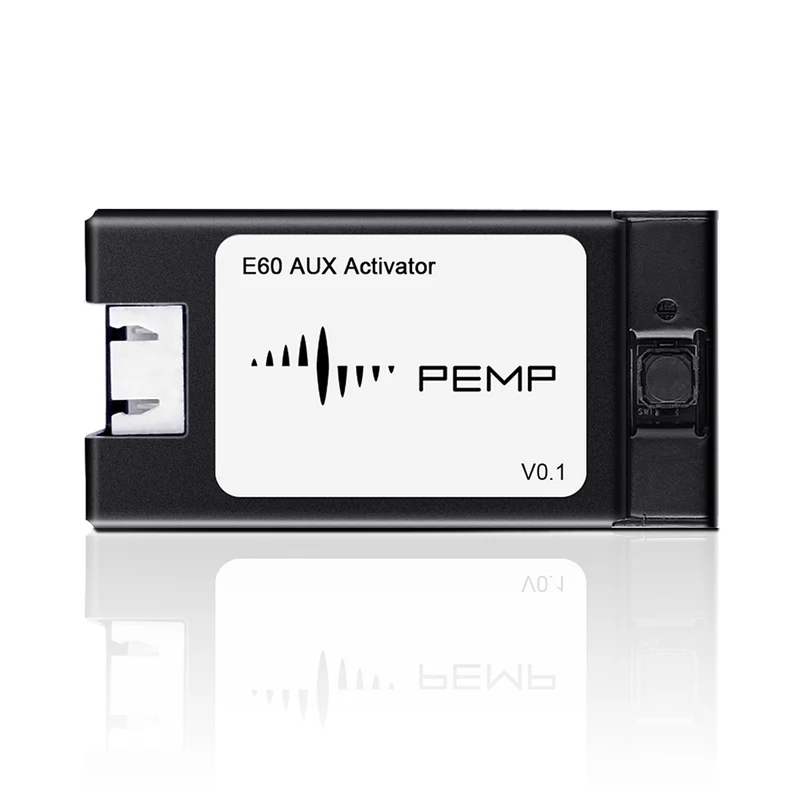
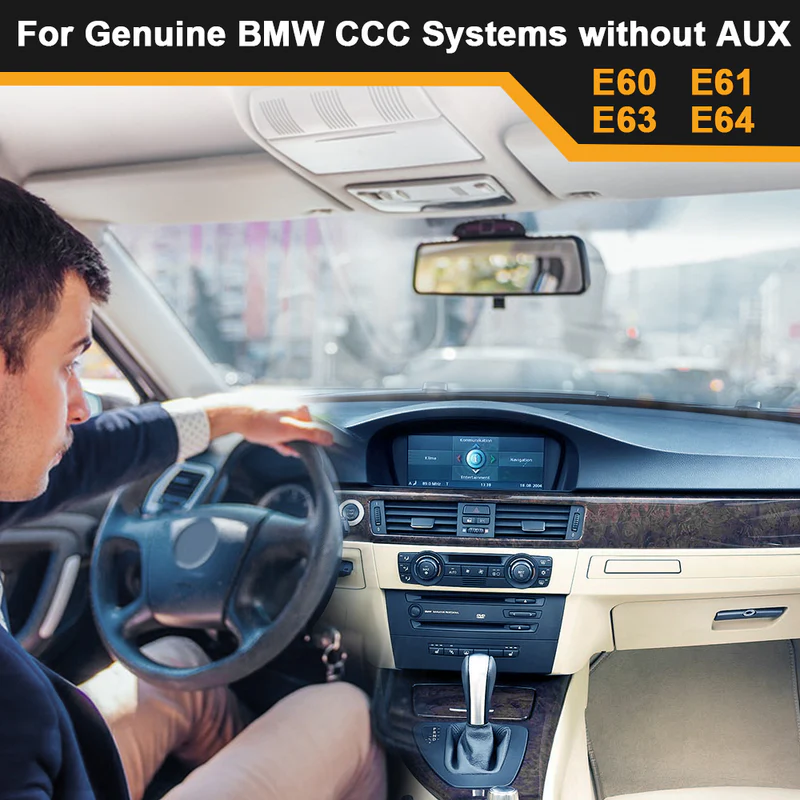
E60 Aux Adapter Open The Aux Audio of The Original Car for BMW E60 E61 E63 E64 CCC 2003-2010 (Note The Step 4)
Original price was: $89.00.$79.00Current price is: $79.00.
In Stock
Did you like this product? Add to favorites now and follow the product.
Add to Wishlist
Add to Wishlist

Have a Question? Ask a Specialist
(+1) 519-980-5199 Call Now
Description
- Step 1: Please watch the 2 videos on how to activate and install the 3 wire terminals, paying special attention to the important tips in step 4! Otherwise you can’t get the AUX AUDIO menu and sound.
- Step 2: Remove the original car’s display screen, and connect the wires as shown in the figure; Start the car and place the original car display on the Entertainment interface;Press and hold the button for more than three seconds until the indicator light turns on; release the button to start activation Process.
- Step 3: After the activation process is over, check the original car entertainment interface, AUX Audio shows that it has been activated; keep it connected!
- Step4: (important )!! After activation, keep connected, wait for 5 seconds, then turn off and lock the car and let it sleep for 15 minutes. Disconnect the negative pole of the car battery for another 1 minute and then connect it back. Then get on the car and check the aux audio was display, if the aux audio also display. It has stored your AUX AUDIO menu.
- Step5: You can buy the Bluetooth aux of pemp get the phone’s sound via bluetooth. You still can buy PEMP Android Screen with confidence, . You will get the Sound of PEMP android.
Related products
9%
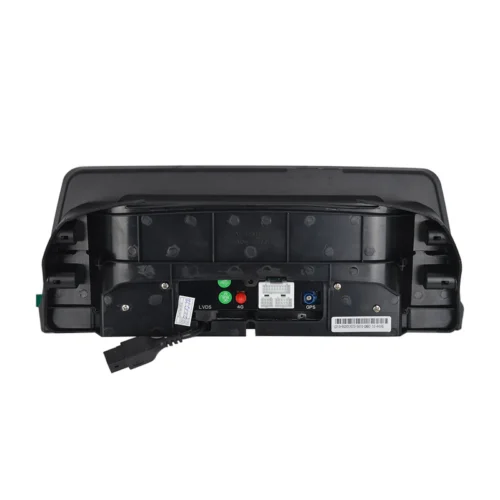
(5810) Vertical Screen 10.25″ CarPlay Android auto, Snapdragon 680 8core 8+128GB Android 14 Screen for BMW E60 E61(2005-2010) CCC
Original price was: $599.00.$549.00Current price is: $549.00. In Stock
![(9688) 12.3″ Vertical Screen for BMW F10 F11 NBT Wired and Wireless Apple CarPlay Retrofit Android Auto,1920 x 720 Display Mirror Link Car Radio Bluetooth Video Player (2013-2017)[ULTRA-THIN] Using Ultra-thin process, the screen-to-body ratio reaches 82.3%, 12.3″ large display; metal material shell and Non-Airgap process, the picture quality image is more realistic. Only Suitable for BMW NBT Original 6 PIN LVDS system. [SUPPORT OEM BLUETOOTH] Supports wireless and wired CarPlay and Android Auto, you can use the original car microphone to make calls when using CarPlay and Android Auto. No echo and high quality sound. [OEM INFO] Support Factory Monitor Information Display; You Can Long Press Menu Button to Switch Between Factory OEM Interface and CarPlay Interface; Support Steering Wheel Button Function. [QUICKLY] With Linux System, You Can Get CarPlay or Android Auto Interface Quickly; In 2 Seconds You Can Get Reverse Camera Video. [CAMERA] Support The OEM Camera and after market Camer & front Camera (720P or Less). The Reversing Picture Will Be Very Clear.](https://motorhead.sanatansaar.in/wp-content/uploads/2026/04/1-1_6e8a1ebf-5ae6-47e8-8b93-813ddb14f0b4-500x500.webp)
4%
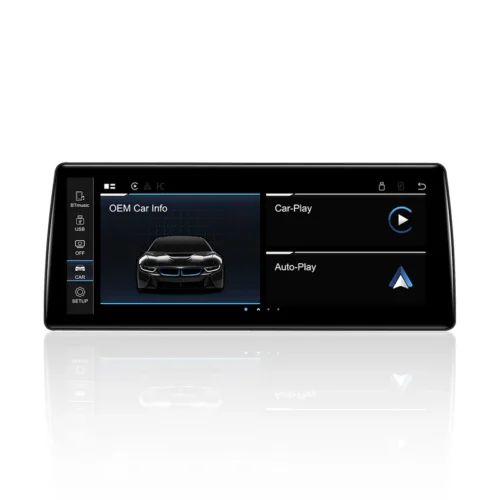
(9112) Ultra-Thin Linux 10.25″ Screen for BMW 1 2 Series F20 F22 F23 EVO ID5 ID6
Original price was: $309.00.$299.00Current price is: $299.00. In Stock
9%
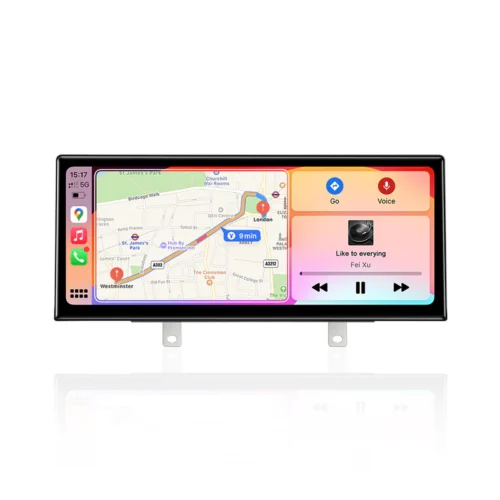
(5613) Ultra-Thin 12.3″ Qualcomm Snapdragon 680 8 Cores 8+128GB Android Screen, for BMW F30 F31 F32 F33 F34 F35 NBT CIC Android 14 Wireless and Wired CarPlay Android Auto Calls Using The OEM Microphone Monitor
Original price was: $599.00.$549.00Current price is: $549.00. In Stock
8%
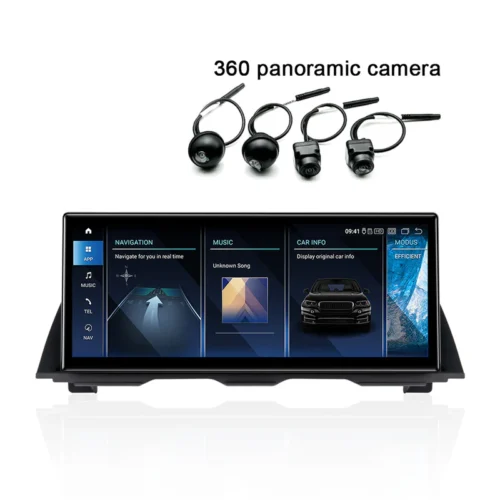
(5688) Ultra-Thin 12.3″ Qualcomm Snapdragon 680 8 Cores 8+128GB Android Screen, for BMW 5 Series F10 F11 NBT (2013-2017) Android 14 Wireless and Wired CarPlay Android Auto Calls Using The OEM Microphone Monitor(2013-2016)
Original price was: $699.00.$649.00Current price is: $649.00. In Stock
Recently Viewed Products
12%
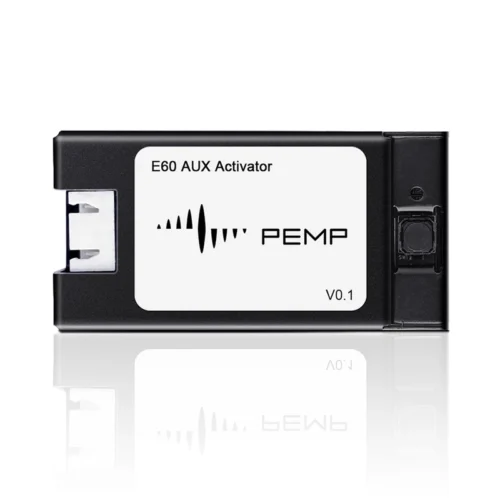
E60 Aux Adapter Open The Aux Audio of The Original Car for BMW E60 E61 E63 E64 CCC 2003-2010 (Note The Step 4)
Original price was: $89.00.$79.00Current price is: $79.00. In Stock
MOTORHEAD ESSENTIAL

MOTORHEAD ESSENTIAL
At Motorhead Essentials, we are passionate about delivering genuine BMW and Mercedes parts, premium accessories, and expert automotive solutions. Our goal is to help car owners maintain performance, comfort, and style with trusted products and reliable service.
Copyright 2026 © MOTORHEAD ESSENTIALS, All right reserved. Powered by SG Web App Pvt. Ltd..

Reviews
There are no reviews yet.